✦ THE CLAUDE SERIES • PART 1 OF 3 ✦
⚠️ A note before we dive in: This is not a sponsored post. No brand deal, no affiliate link, no one told us to write this. We use Claude daily. We've seen what it can do. Given everything happening right now — with Anthropic, OpenAI, and the government — we'd be doing you dirty if we didn't break it all the way down. This is the honest breakdown you've been looking for.
The Moment Everyone Reached Their Breaking Point
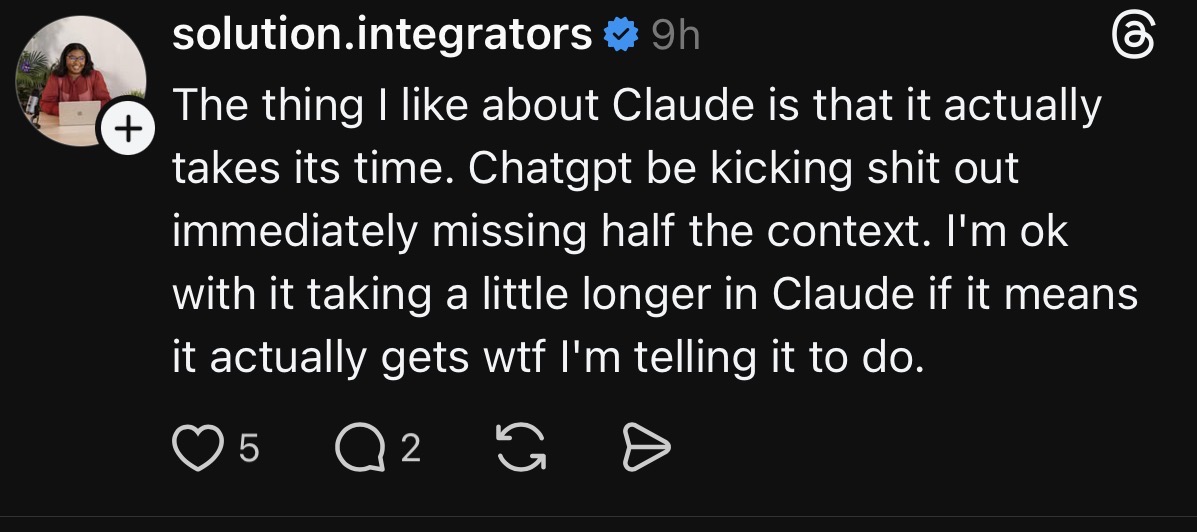
You know the feeling. You're mid-project, you've already explained your brand voice, your audience, your goals and then ChatGPT just... forgets. Or, it spits out a fluffy, generic answer that could apply to literally anyone. Or, it agrees with something you said that's clearly wrong, just to keep the vibe going.
You're left sitting there like: I'm paying $20 a month for this?
You're not alone. According to posts blowing up on Threads this week, ChatGPT uninstalls spiked 295% in a single day, Claude shot to No. 1 on the App Store, and 1.5 million subscriptions were canceled. This isn't just a trend — it's a full-on migration.
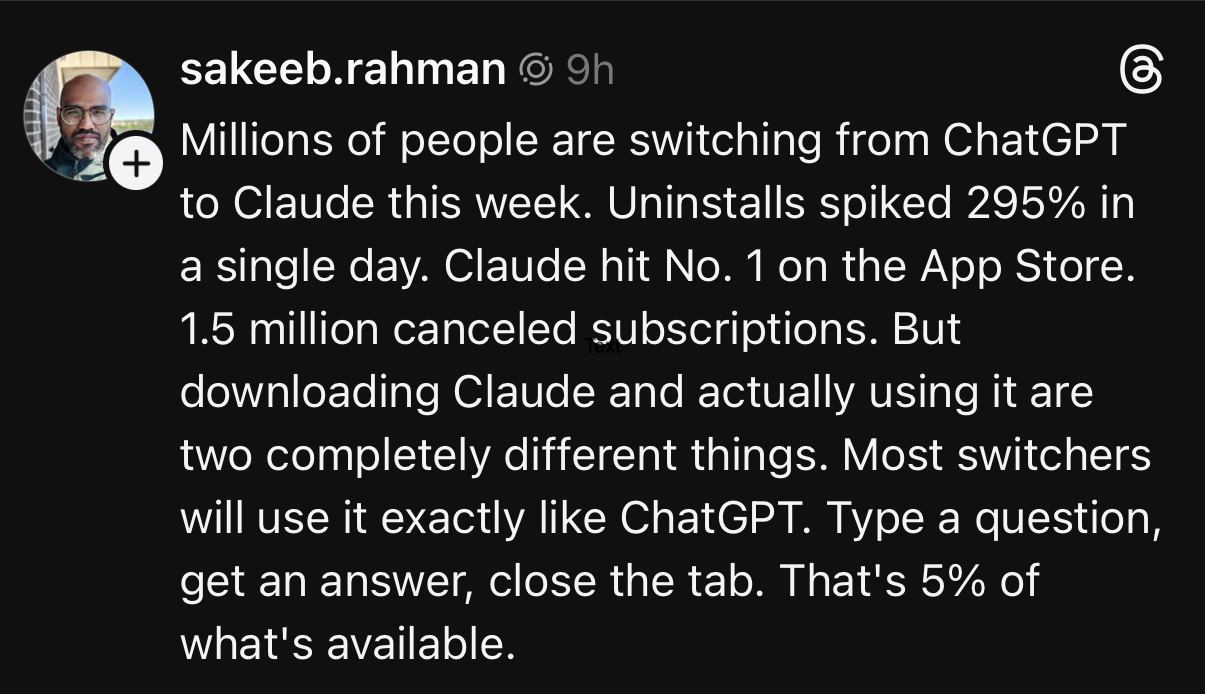
Here's the thing: he's right. Most people that downloaded Claude will scratch the surface. This article exists so you get deeper than that.
First, let's talk about what actually broke the camel's back.
ChatGPT Has Had a Really Rough Few Months
Let's be real — if you've felt like ChatGPT got worse lately, you weren't imagining it.
In February 2025, thousands of users reported a backend update that wiped years of their memories data, creative projects, professional context, and conversations they'd built over months. OpenAI never officially acknowledged what happened. The silence said everything.
Then, there's the forgetting problem: after 30–50 messages, GPT-4o starts losing the thread, contradicting itself, asking you to repeat things you already told it. When GPT-5 launched, some Plus subscribers actually ended up with less context window than before.
Through all of it, ChatGPT just keeps agreeing with you. Wrong idea? It'll validate it. Weak draft? It'll compliment it. For anyone who actually needs honest creative feedback, that's not a feature. It's a problem.
But Here's What Really Sealed the Deal
Beyond the product frustrations, something happened last week that turned a wave into a flood (and if you care about who you give your money to, this one matters).
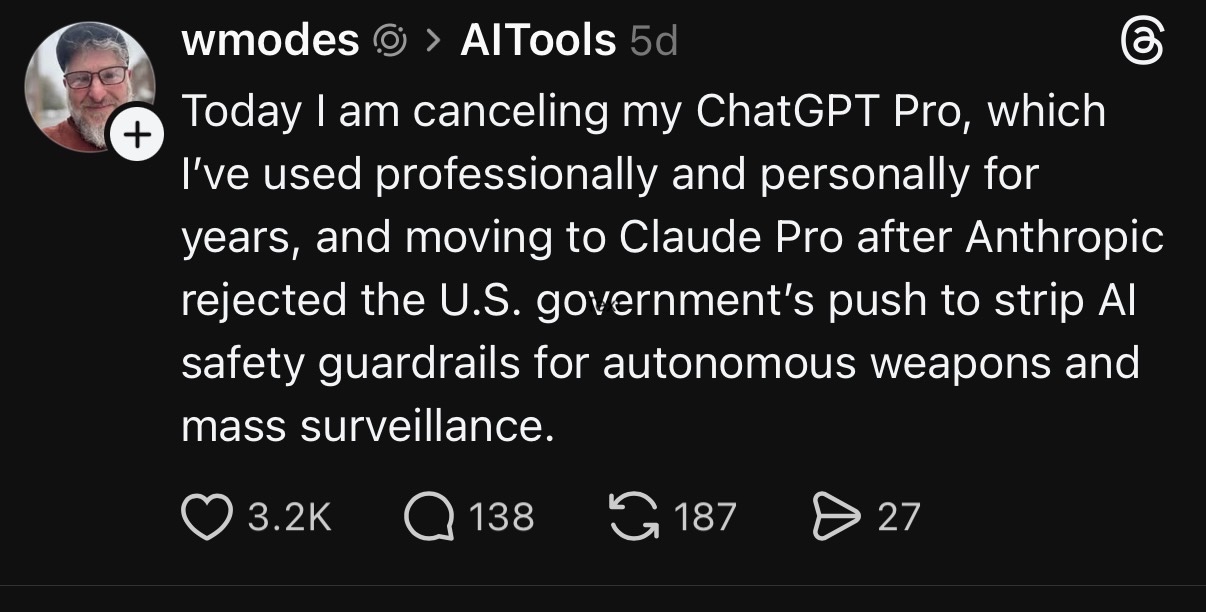
The Pentagon told AI companies it would only work with those who agreed to allow "any lawful use" of their technology — no guardrails. Claude’s developer Anthropic said no. Specifically, they refused to remove their hard limits on domestic mass surveillance and autonomous weapons.
The government's response: they banned Anthropic, labeled them a "supply chain risk to national security," and Trump ordered every federal agency to stop using their products immediately.
Hours later, OpenAI, whose CEO had publicly said he shared the same red lines as Anthropic just before the deadline, announced they'd signed the deal.
For a generation that watches closely how companies behave when it actually costs them something? Anthropic accepted the ban, rather than bend. Within the following days, Claude hit #1 on the App Store.
The switch stopped being just about features. It became about who you're building with.
So What Actually Is Claude?
Claude is an AI assistant built by Anthropic, a company founded by former OpenAI researchers that believed artificial intelligence safety needed to be built into the foundation, not bolted on after the fact.
Here's the personality difference you'll feel within the first few conversations: Claude doesn't just tell you what you want to hear. It pushes back. It flags when your idea has a flaw. It shares real feedback instead of wrapping everything in compliments. Think of it less like a yes-man assistant and more like a smart, direct collaborator who respects your time.
Claude is available for free on web, iOS, Android, and desktop. The free tier is genuinely good — not a watered-down demo.
Everything Claude Can Actually Do
Here's where most people stop at 5% and walk away thinking it's just another chatbot. Let's fix that.
Pricing — What You're Actually Getting
Same price as ChatGPT Plus. Stronger answers, bigger context, and tools that actually work.
💡 Honest note: Some switchers on Pro have mentioned hitting Claude's session reset limits during heavy creative work. The fix is using Projects (which keeps your context alive between sessions) and upgrading to Max if you're a daily power user. The limits are real — but they're solvable.
Claude Connects to Your Entire World
In July 2025, Anthropic launched the Connectors Directory which has over 50 integrations with the tools you already use, set up with a single click. No code. No API keys. Just connect and go.
Instead of copy-pasting your Notion brief into Claude, or explaining your Google Drive structure for the fifteenth time — Claude just sees it. Your actual workspace. Your real files. Your live data.
Connectors are available on paid plans. Local desktop extensions are free for all users.
🚨 Your ChatGPT Exit Ramp — Move Your Memory in 60 Seconds
This is the part people have been sharing everywhere. You've spent months — maybe years — teaching ChatGPT who you are, how you work, what you care about. That context shouldn't disappear just because you're switching tools.
Anthropic built a direct memory import tool specifically for this moment. No data export requests. No waiting 12 hours for a file that may never come. Just head to claude.com/import-memory, follow the steps, and Claude immediately has your full knowledge base.
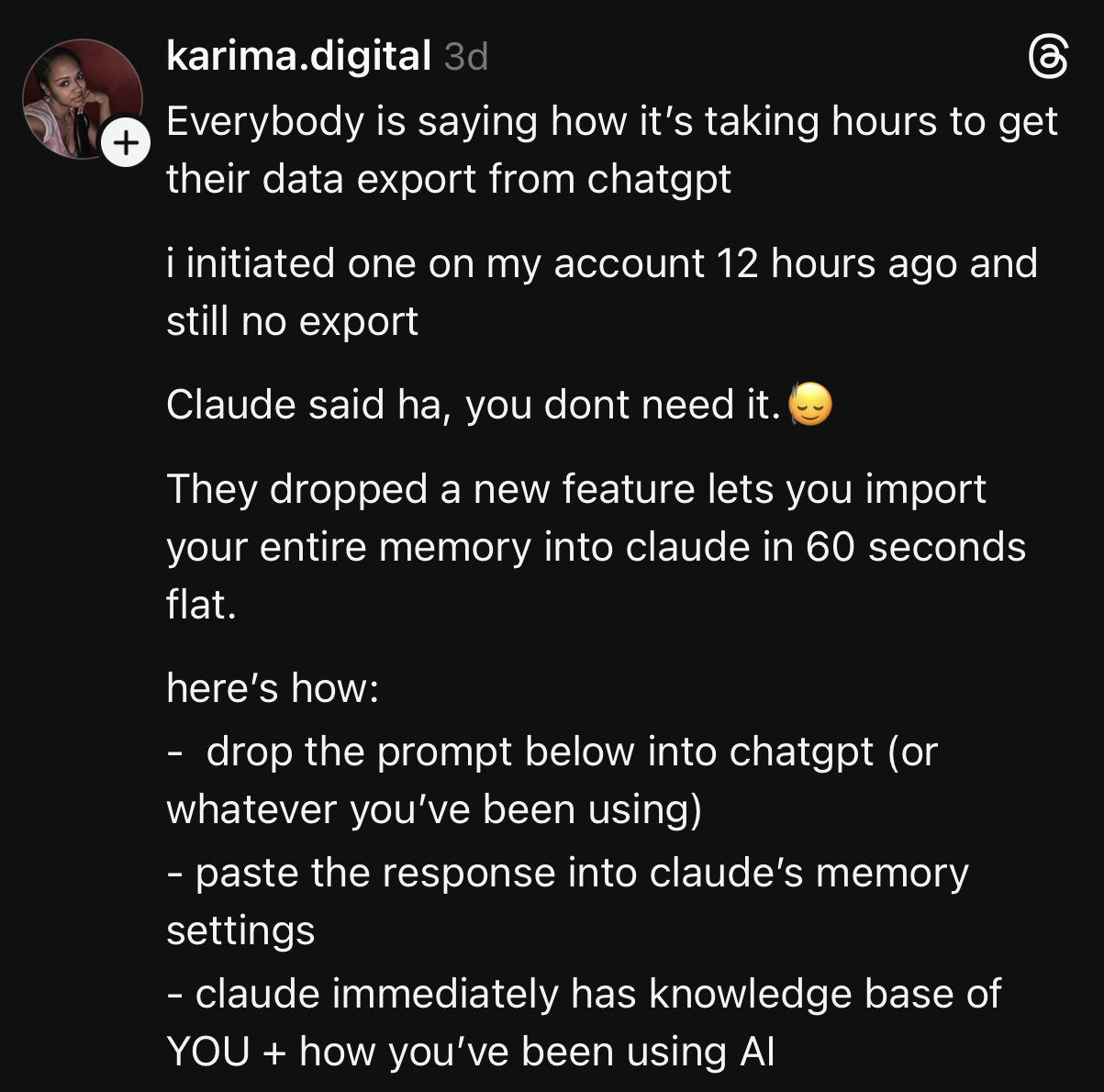
Your first conversation with Claude doesn't have to feel like starting over. It can feel like your hundredth.
5 Tips to Get the Most Out of Claude From Day One
Most people use Claude like a search engine. Here's how to use it like the creative partner it actually is.
Live in Projects, Not Just Chats
Every new chat starts fresh. However, Projects carry your context forever. Set one up for each major area of your work — content creation, client work, personal projects — then watch Claude become 10x more useful overnight.
Give Claude a Role Before You Give It a Task
Instead of jumping straight to "write me a caption," try: "You are my brand strategist who knows my audience is Gen Z creators who care about authenticity. Now write me a caption for..." The specificity unlocks a completely different level of output.
Use the Style Feature for Consistent Tone
Claude has a built-in Style feature that lets you define exactly how it should write — formal, conversational, punchy, whatever your brand voice is. Set it once. Never fight the AI's default tone again.
Connect Your Tools on Day One
The single biggest unlock is connecting Claude to Notion, Google Drive, or Gmail on day one. The moment Claude can see your actual workspace, the copy-paste game is over. Go to Settings → Connectors and spend 10 minutes on this. You'll thank yourself immediately.
Tell Claude to Disagree With You
At the end of any important prompt, add: "If you think my approach has a flaw, tell me before you execute." Claude is built to be honest — but it responds even better when you explicitly invite the pushback. This is where ChatGPT falls flat and Claude genuinely delivers.
The Switch Is Easier Than You Think
The free tier of Claude is genuinely good. You don't have to commit $20 a month to see the difference. Download it, import your memory at claude.com/import-memory, connect one tool, and spend a week with it.
When you feel that first conversation where Claude actually reads the room, remembers what matters, pushes back on your weak idea, and delivers something you'd actually use — you'll get it.
In 2026, knowing which company you're building with matters just as much as knowing which tool you're using.
📌 COMING UP IN THIS SERIES
This is Part 1 of The Claude Series.
Part 2: Claude Code — The Coding Tool That's Changing How Developers (and Non-Developers) Build
Part 3: Claude Cowork — How to Automate Your Entire Workflow Without Writing a Single Line of Code
Part 4: Claude Design Just Dropped and Figma's Stock Fell 7%. Here's What Creatives Need to Know.
Follow CXM so you don't miss either drop.

.png)