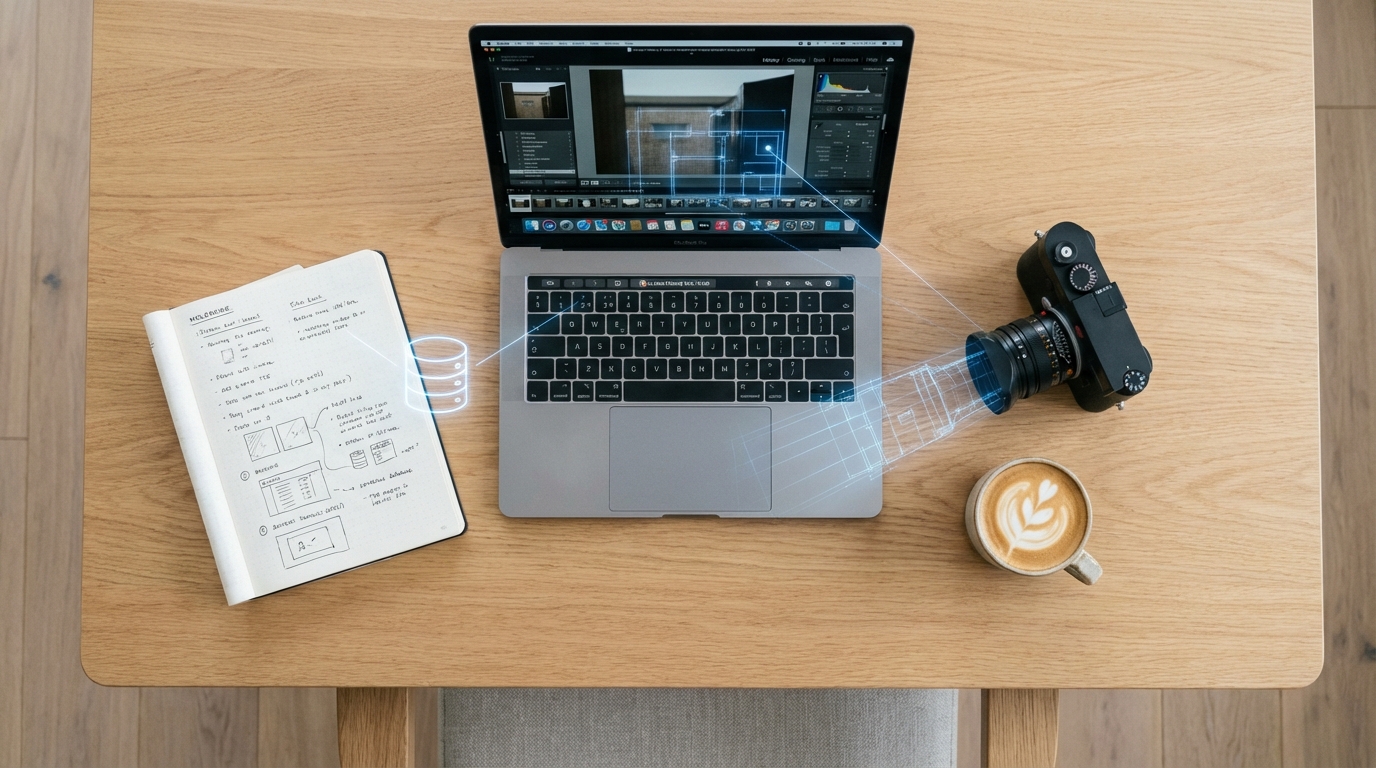
Yes, this is another Top 10 list. But it’s not THAT Top 10 list.
This isn’t a popularity contest, and it’s not a rerun of the same tools everyone already knows. These are apps that quietly outperform their competitors, offer real advantages once you actually use them, and in many cases undercut the market on price in ways that feel almost unfair.
The common thread is leverage. Each tool removes friction from creating, distributing or monetizing content without bloated workflows or enterprise pricing. If you care about output and not hype, this list is for you.
10. Cal.com
What it is:
Cal.com is an open scheduling platform that lets creators share availability, automate bookings, and manage meetings across multiple calendars. It supports custom booking pages, multiple event types, buffers, availability rules, payment collection, routing forms, and integrations with Google Calendar, Outlook, Zoom, Riverside, and more. It is highly customizable and can be branded or embedded directly into websites, Notion pages, and link-in-bio tools.
For creators, Cal.com protects time and drives revenue. It is built for brand calls, podcast bookings, consulting sessions, collaborations, office hours, and community events without email back-and-forth. The free plan works well for solo creators. The Teams plan unlocks workflows that matter once you scale, including round-robin routing and team-based scheduling that prevents leads from getting stuck with one person. Compared to Calendly, Cal.com offers deeper customization, better routing logic, fewer feature paywalls, and more control over branding and ownership.
Best for: Creators booking brand calls, podcasts, consulting, or collaborations.
Price: Free plan available. Teams plan is $15/month.
9. CleanShot X
What it is:
CleanShot X is a screenshot-focused tool designed for creators who constantly need clean, usable still images. It upgrades macOS screenshots with scrolling capture, pixel-precise selection, delayed screenshots, and built-in annotation tools for highlighting, blurring, labeling, and cleaning visuals. Screenshots can be edited, organized, and shared quickly, making it useful for tutorials, social posts, documentation, design feedback, pitch decks, and reference libraries where high-quality stills matter.
For creators, CleanShot X becomes the backbone of visual communication. It makes it easy to capture UI references, pull stills for social graphics, mark up feedback for collaborators, and build visual receipts for brand decks or proposals. Automatic cleanup, consistent annotations, and cloud sharing turn screenshots into reusable assets instead of disposable files.
Best for: Tutorials, decks, social graphics, documentation, visual receipts
Price: $29 one-time purchase or $8/month for Cloud Pro
8. Vizard AI vs Opus Clips (Tie)
What they are:
Vizard AI and Opus Clips help creators turn long-form video into short-form content at scale. Both handle clip detection, captions, automatic B-roll, and resizing for TikTok, Reels, Shorts, and more. On paper, they look interchangeable.
Yes, there’s a tie at #8. At a glance, they solve the same problem, which is exactly why many creators pick the wrong one. The difference is simple: Opus is discovery, Vizard is control. Opus Clips excels at mining long recordings and surfacing strong 30–90 second moments that stand on their own. Vizard AI feels closer to a lightweight editor, giving you tighter workflows and more flexibility once you already know what clips you want. If you care about scale, Opus wins. If you care about polish and speed, Vizard wins.
Best for: Repurposing podcasts, interviews, and long-form video at scale
Vizard price: Free plan is available. Creator plan is $14/month.
Opus price: Free plan with 15 credits/month. Starter plan is $15/month for 150 credits.
7. Affinity
What it is:
Affinity is a professional creative software suite for photo editing, vector illustration, and layout design. It delivers Photoshop- and Illustrator-level capabilities for thumbnails, brand systems, social graphics, pitch decks, posters, and print-ready layouts. The key shift is that Affinity is now included with Canva Pro, meaning many creators already have access without realizing it.
With so many tools lowering the barrier to design, Adobe Creative Cloud no longer has the chokehold it once did. Affinity provides the closest Photoshop and Illustrator experience at a much more budget-friendly entry point. For creators already paying for Canva Pro, using Affinity for free is a no-brainer. Canva handles speed. Affinity handles precision and polish.
Best for: Designers and creators who want Adobe-level control without Adobe pricing
Price: Included free with Canva Pro at $12.99/month
6. VEED
What it is:
VEED is a video editing platform built for speed across mobile and desktop. VEED Mobile lets creators caption quickly, generate automatic B-roll, and export platform-ready edits directly from a phone. The web app adds trimming, layout tweaks, translations, and brand styling.
For creators, VEED is about distribution efficiency. It is ideal when one piece of content needs to live across many platforms. Compared to CapCut, VEED prioritizes clean, professional output over trendy effects. CapCut shines for viral edits. VEED wins when consistency, readability, and brand-safe output matter, especially for sponsored or client-facing content. Pro tip: VEED Mobile Pro includes Pro access on the web.
Best for: Caption-heavy short-form content across platforms
Price: $18/month
5. Screen Studio
What it is:
Screen Studio is a macOS screen recording tool built for creators who want finished videos without a traditional editing workflow. It lets creators define capture areas, then automatically applies intelligent zooms based on cursor movement and clicks to create a fluid final product.
It outperforms built-in tools like QuickTime and feels more produced than Loom. Features like vertical exports, simple post-capture edits, and instant share links make it ideal for tutorials, demos, explainers, and educational content designed for mobile-first consumption.
Best for: Tutorials, walkthroughs, explainers, social-first education
Price: $9/month
4. NotebookLM
What it is:
NotebookLM is an AI research and insight tool that only works with the materials you upload. It does not connect to the open internet. Notes, PDFs, transcripts, images, and links are analyzed strictly in context.
For creators, this becomes the home base for projects. Planning content shoots, organizing references, brainstorming brand proposals, mapping outlines, and identifying gaps all happen without outside influence. It supports thinking and structure, not noise.
Best for: Research, planning, and structured thinking
Price: Free. Plus features included with Google One AI Pro at $19/month
3. Gemini
What it is:
Gemini is Google’s AI platform for creators, including NanoBanana Pro for image generation and editing and Veo 3 for video generation. NanoBanana Pro handles image creation, reference-based edits, background replacement, lighting fixes, cleanup, and restyling at a level that replaces many Photoshop and Lightroom workflows.
Gemini is currently the strongest option for creators who want usable photo and video output, not demos. Paid access unlocks customization and watermark removal, which makes it viable for real brand work and client deliverables.
Best for: Image-heavy creators and brand-facing visuals
Price: $19/month (Google AI Pro)
2. Riverside
What it is:
Riverside records each participant locally, ensuring studio-quality audio and video even with unstable internet. It supports podcasts, interviews, webinars, panels, and in-person recording setups with separate tracks.
Separate participant recording is the game-changer for solo creators. It protects quality without needing a producer. Features like the teleprompter, Magic Clips, and AI Co-Creator reduce prep and editing time so creators can focus on the conversation instead of logistics.
Best for: Solo podcasters, interviewers, webinar hosts
Price: Starting around $24/month
1. Notion
What it is:
Notion is an all-in-one workspace creators use to write, plan, organize, and manage projects. Docs, databases, spreadsheets, calendars, boards, and collaboration all live in one system.
The real power is its 30,000-plus creator templates. Content calendars, shoot planning, YouTube workflows, podcast production, brand deal tracking, CRM, and finance trackers can all be deployed instantly. Used well, Notion replaces project managers, spreadsheets, note apps, and planning tools with a single source of truth.
Best for: Managing the entire creator business in one place
Price: Free plan available
How to think about this stack
More important than the ranking, the real value in these tools is how they work together. Each app solves a different layer of the creator workflow, and the goal is coverage, not accumulation.
These tools map cleanly to four creator layers:
- Foundation: Notion, NotebookLM
- Creation: Gemini, Affinity, Screen Studio, Riverside
- Distribution: VEED, Opus Clips, Vizard AI
- Monetization & Ops: Cal.com, CleanShot X
You do not need all ten to start. You need coverage across layers. Once each layer is handled, adding or swapping tools becomes an optimization decision instead of a guessing game.
A recent addition to the creator landscape is DualShot Recorder. From the mind of Derrick Downey, Jr., the app solves the fundamental problem of recording in horizontal and vertical simultaneously to allow creators to save time when editing.

.png)